What is LQ.AI?
LQ.AI is an AI workspace for legal teams that runs on computers you control. Work with your documents, ask questions, and attach reusable instructions called skills. You choose the AI services the workspace uses and review the answers against their sources.
LQ.AI in action
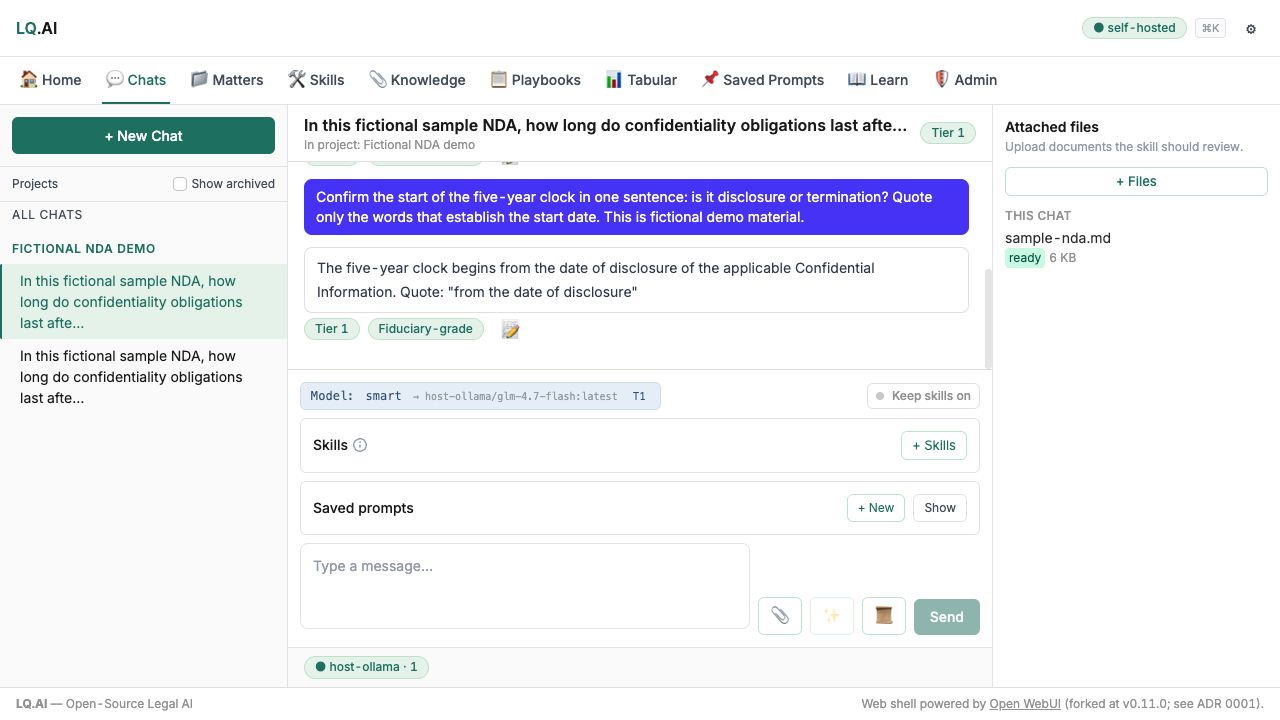
These examples use fictional material. AI answers require review; each caption identifies the workflow shown.
See more product examples
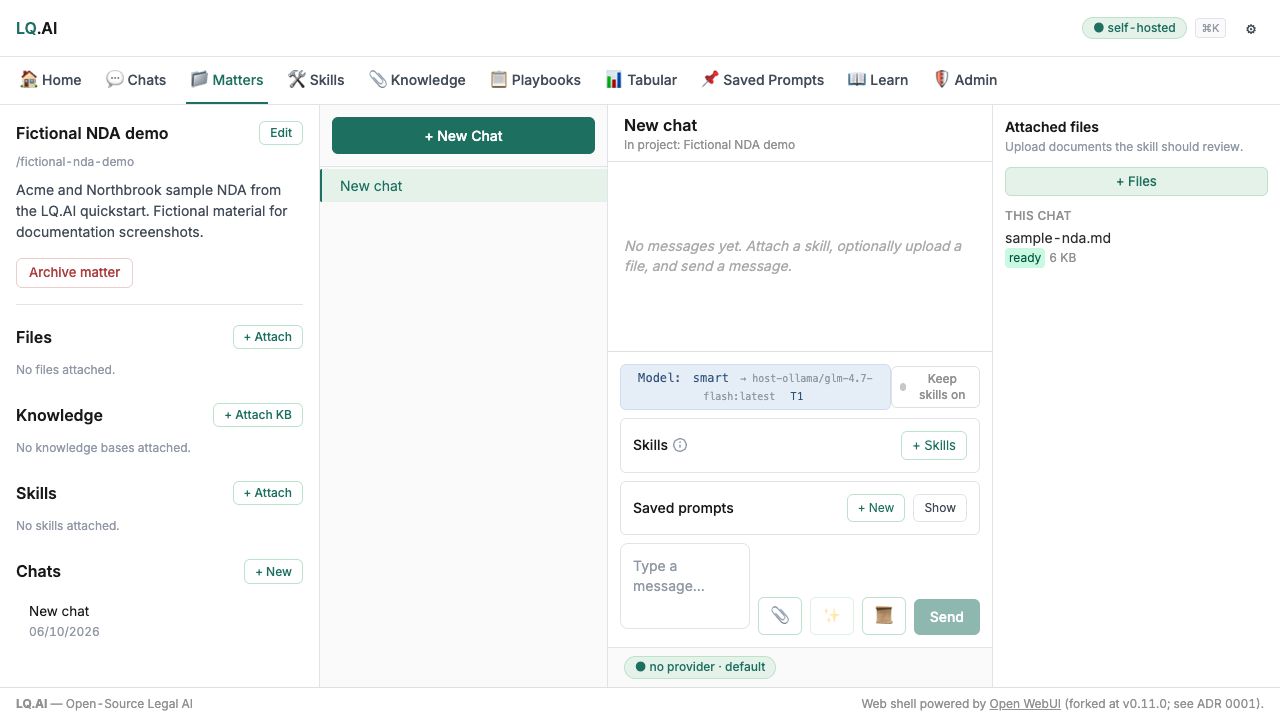
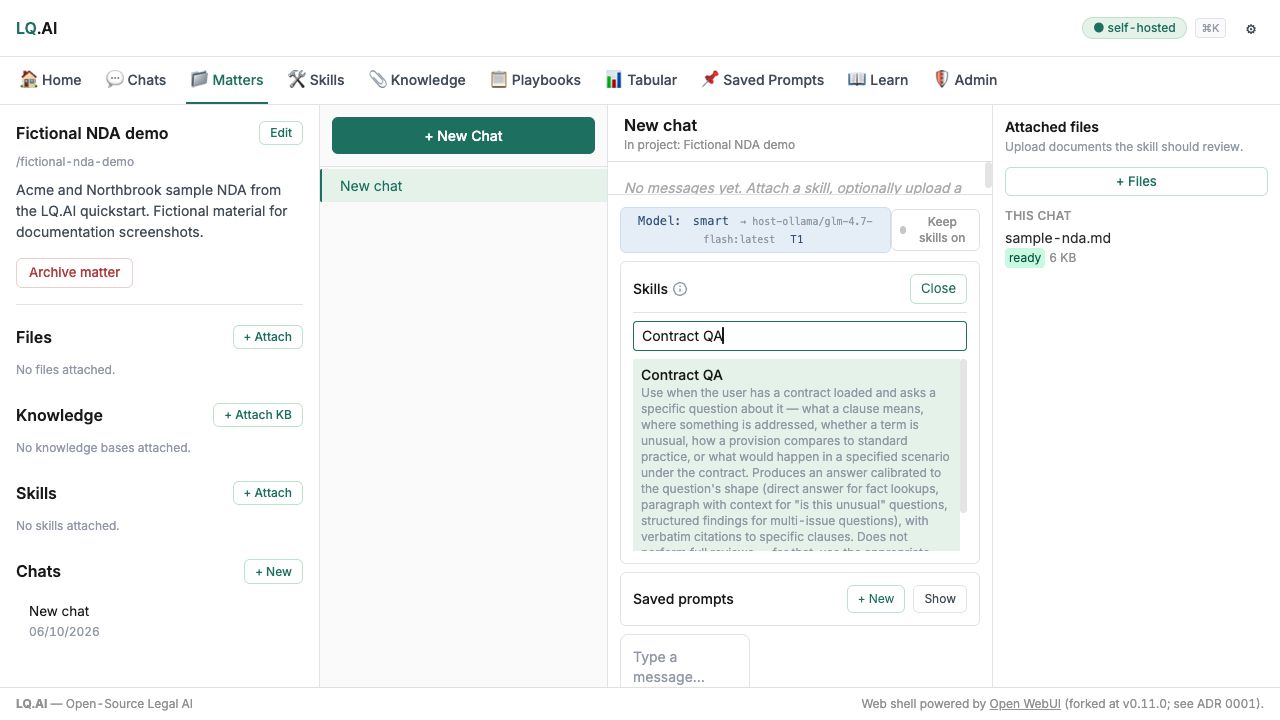
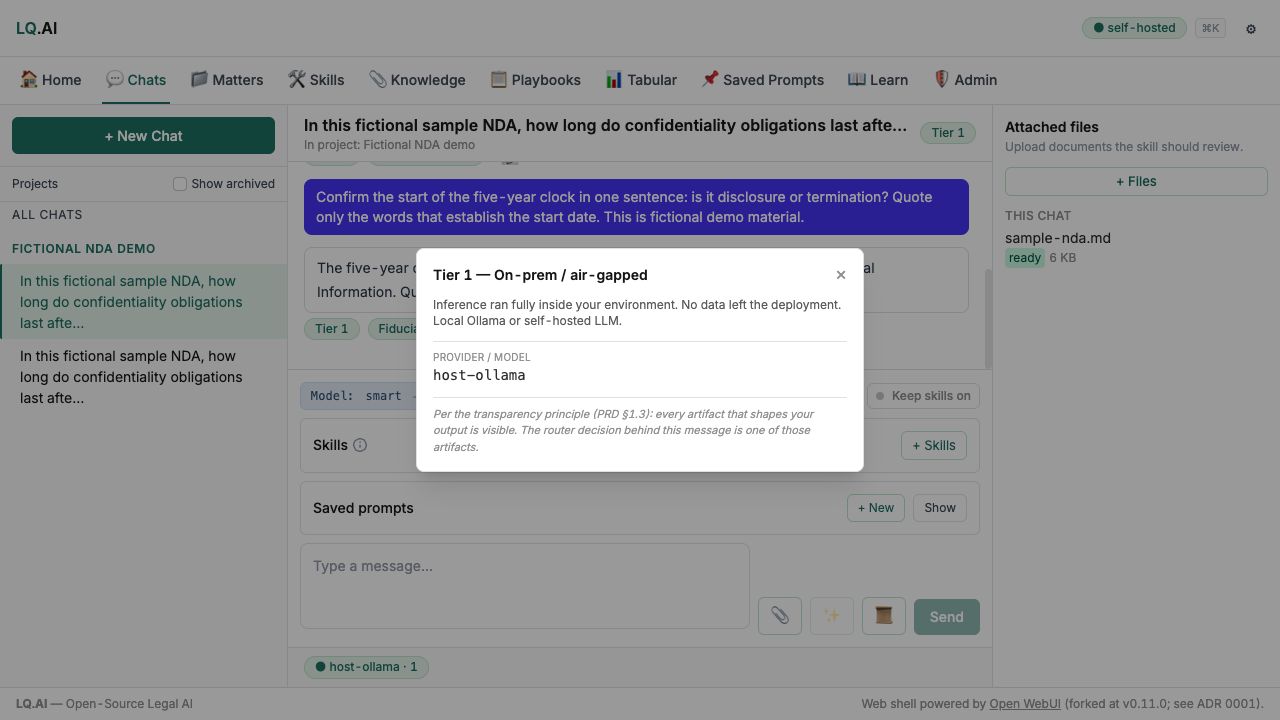


Bring a question and document context, optionally attach a reusable skill, ask a configured model, and review the answer against its sources. Refine the question or context when the result needs more work.
Diagram source
flowchart LR
    accTitle: From your material to a reviewed answer
    accDescr: Bring a question and document context, optionally attach a reusable skill, ask a configured model, and review the answer against its sources. Refine the question or context when the result needs more work.
    material["Your question and document context"] --> request["Ask a configured model"]
    skill["Optional reusable skill"] --> request
    request --> review["Review the answer and its sources"]
    review -.->|Refine the question or context| material
You need someone responsible for installation, updates, access, and backups. Start with made-up information while you check whether the setup and its workflows suit your team.
Decide whether it fits
Section titled “Decide whether it fits”LQ.AI’s focus is in-house legal work, including a legal team of one. The useful question is whether its current capabilities match your tasks and whether your team can operate the installation. Read the fit assessment before investing in a deployment; it includes limitations and reasons to choose another approach.
Try a first document
Section titled “Try a first document”The quickstart takes you through installation, sign-in, and uploading a fictional document. Uploading a document successfully and getting an AI answer are separate checks: asking a model or searching a knowledge base also needs the appropriate model configuration.
Use the repository’s fictional NDA for the example. Keep real client material out of the first experiment. Before connecting a model, review what information may leave the deployment.