Explore LQ.AI
What is LQ.AI?
LQ.AI is an AI workspace for legal teams that runs on computers you control. Work with your documents, ask questions, and attach reusable instructions called skills. You choose the AI services the workspace uses and review the answers against their sources.
LQ.AI in action
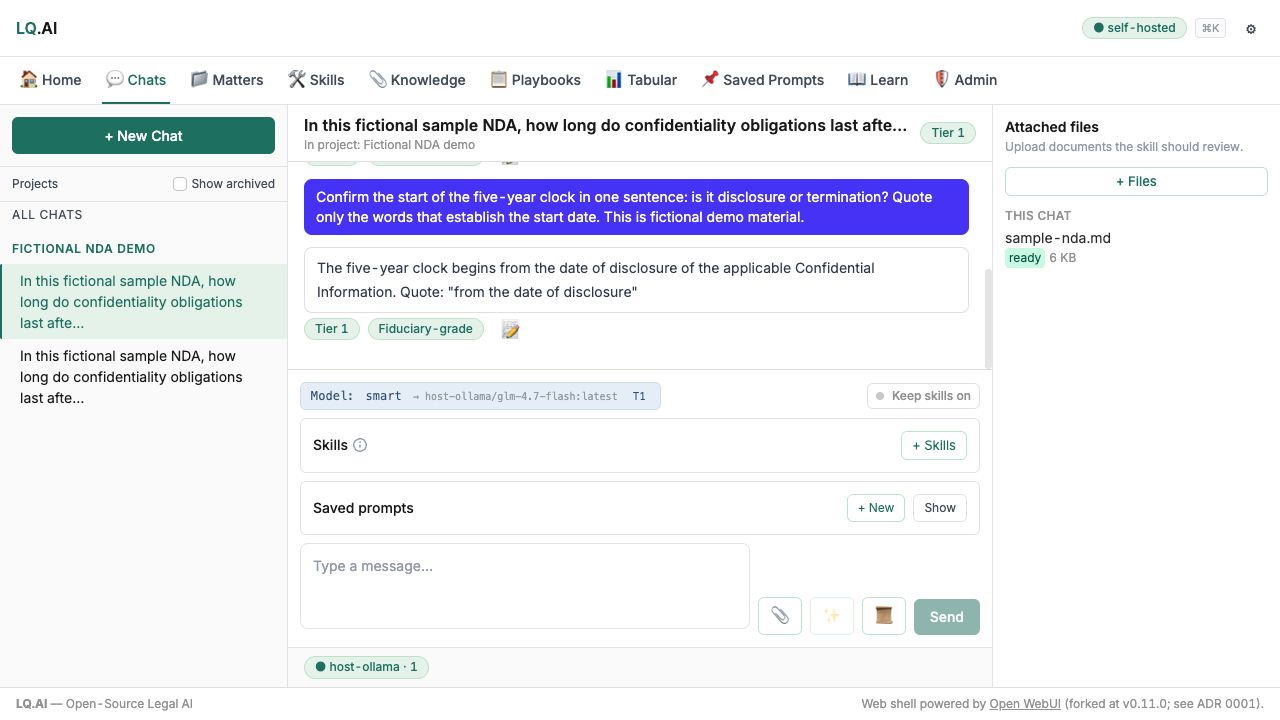
These examples use fictional material. AI answers require review; each caption identifies the workflow shown.
See more product examples
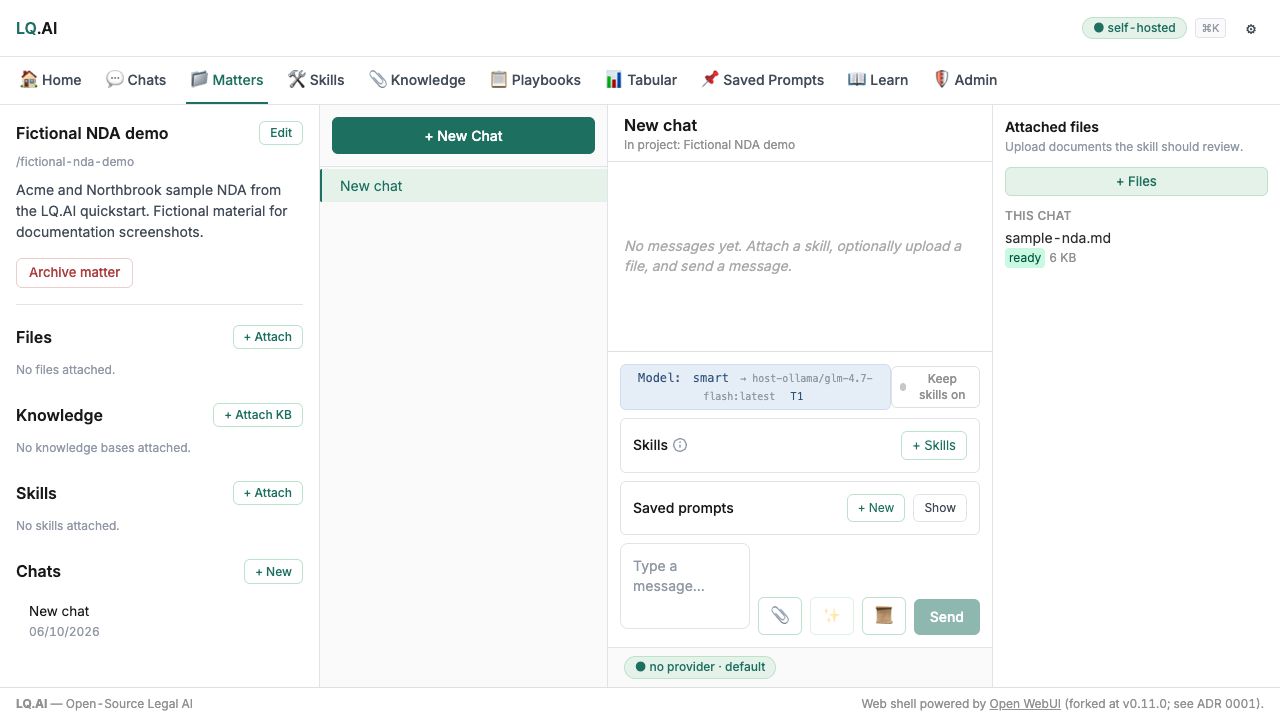
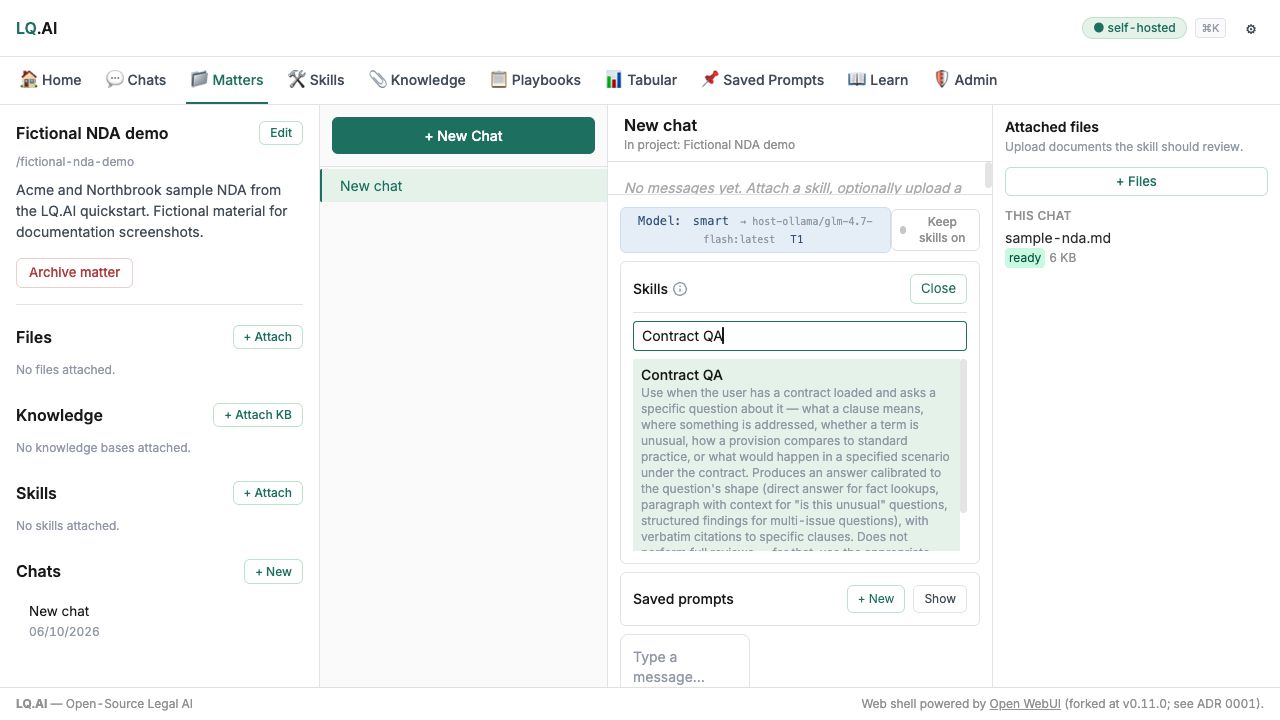
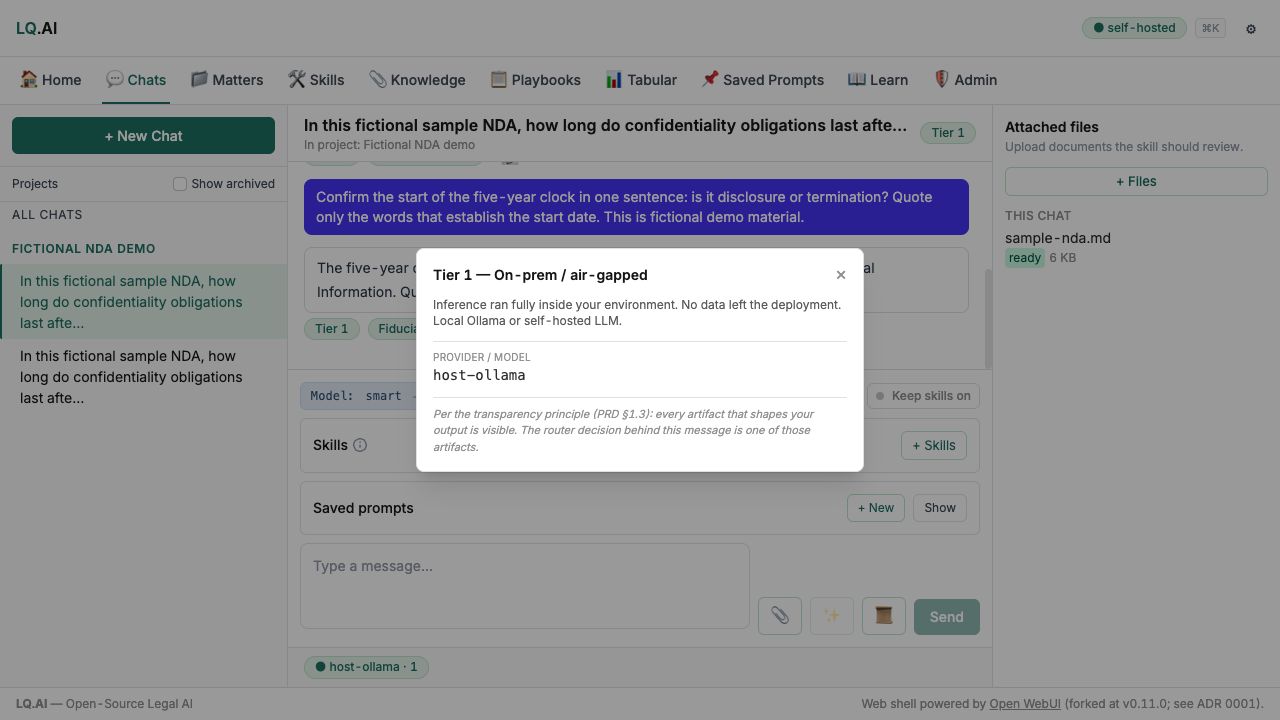


Bring a question and document context, optionally attach a reusable skill, ask a configured model, and review the answer against its sources. Refine the question or context when the result needs more work.
Diagram source
flowchart LR
    accTitle: From your material to a reviewed answer
    accDescr: Bring a question and document context, optionally attach a reusable skill, ask a configured model, and review the answer against its sources. Refine the question or context when the result needs more work.
    material["Your question and document context"] --> request["Ask a configured model"]
    skill["Optional reusable skill"] --> request
    request --> review["Review the answer and its sources"]
    review -.->|Refine the question or context| material
You need someone responsible for installation, updates, access, and backups. Start with made-up information while you check whether the setup and its workflows suit your team.
Sources for this explanation
Newer than v0.9.0 (not yet released)Checked against 671eab0d ·
How LQ.AI answers a question
When you ask a question, the app sends it to the application API. If you attach a knowledge base, the system retrieves relevant passages before asking a model. The model request goes through the Inference Gateway, which applies the configured routing and privacy rules.


The app sends the question and chosen context to the application API. The API assembles the request using document storage and retrieval, then sends model requests through the Inference Gateway. The configured route selects a local or cloud model; these are alternative routes. The answer returns through the gateway and API to the app.
Diagram source
flowchart TB
    accTitle: How a question reaches a model
    accDescr: The app sends the question and chosen context to the application API. The API assembles the request using document storage and retrieval, then sends model requests through the Inference Gateway. The configured route selects a local or cloud model; these are alternative routes. The answer returns through the gateway and API to the app.
    app["LQ.AI app"] -->|Question and context| api["Application API"]
    records["`Documents
and records`"] <-->|Read and store| api
    api -->|Assembled request| gateway["Inference Gateway"]
    gateway -->|Local route| local["Local model"]
    gateway -->|Cloud route| cloud["Cloud model"]
Document storage and retrieval support this flow within the deployment. The document-search model can have a different provider from the chat model: choosing local chat does not by itself make document search local. Other enabled connections also need their own review. See what information leaves the deployment for the full accounting.
This is a simplified request flow. The full system diagram includes storage, workers, optional integrations, and capability limits.
Sources for this explanation
Newer than v0.9.0 (not yet released)Checked against 671eab0d ·
Is it secure?
You control the computers running LQ.AI, access to the deployment, and its configuration. A cloud model can receive your question and document content; storing files locally does not keep every use of their contents local.


Documents and application records live in your environment, but LQ.AI can send content along separately configured routes. Model and tool requests go through the gateway; email and monitoring have their own enabled routes. Check the chat provider, document-search provider, research or connectors, and exports separately. Choosing local chat does not settle the other routes.
Diagram source
flowchart LR
    %% portrait-flat
    accTitle: Review every route across the data boundary
    accDescr: Documents and application records live in your environment, but LQ.AI can send content along separately configured routes. Model and tool requests go through the gateway; email and monitoring have their own enabled routes. Check the chat provider, document-search provider, research or connectors, and exports separately. Choosing local chat does not settle the other routes.
    subgraph controlled["Your environment"]
        direction TB
        workspace["LQ.AI and stored documents"]
        local["Local chat model"]
    end
    subgraph outside["External endpoints, when enabled"]
        direction TB
        cloud["Chat provider"]
        search["Embedding provider"]
        tools["Research and connectors"]
        exports["Email and monitoring"]
    end
    %% portrait-stack: workspace local cloud search tools exports
    workspace --> local
    workspace --> cloud
    workspace --> search
    workspace -.-> tools
    workspace -.-> exports
Local inference is available, but the chat model, document-search model, fallback models, and other enabled connections must each be checked. Security depends on the deployment and on which services you enable. Read the full data accounting for those connections and their limitations.
Sources for this explanation
Newer than v0.9.0 (not yet released)Checked against 671eab0d ·
Where do I go from here?
Pick the path that fits what you're doing, or ask your own question below.
Selected guide